
Premium Course
IT Courses
beginner
Updated: Aug 5, 2026
Figma
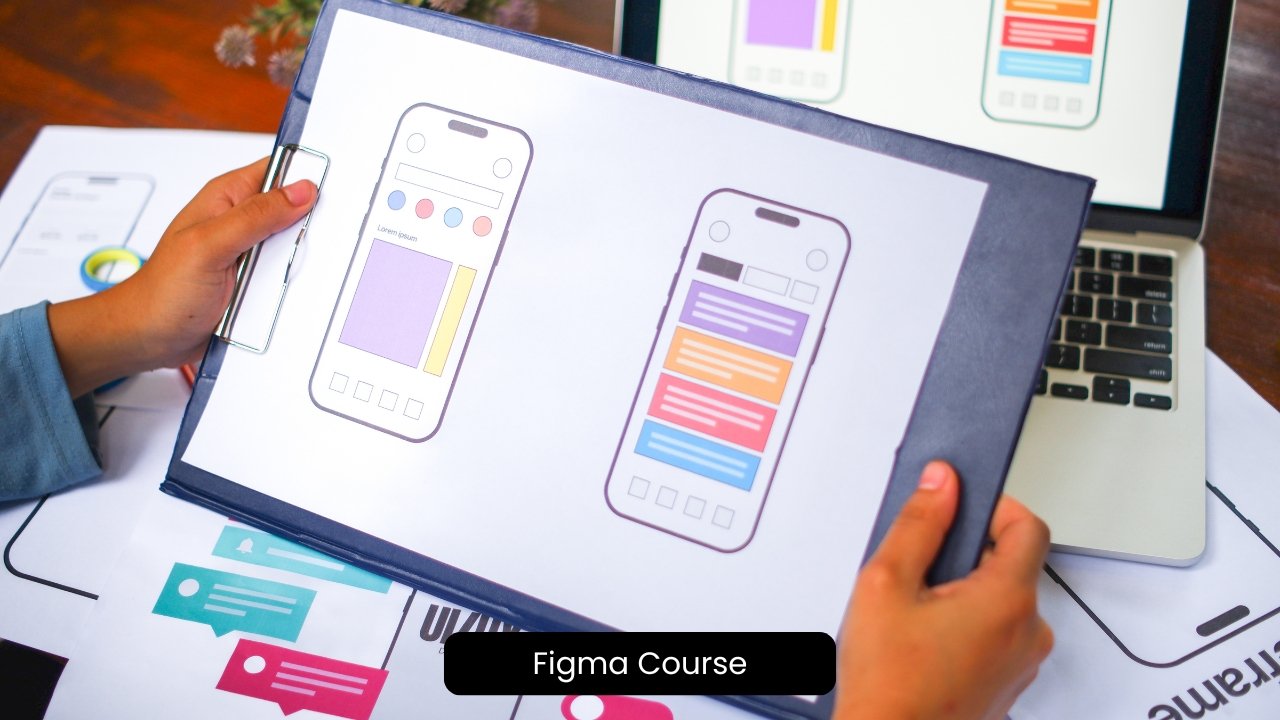
This course provides a practical introduction to Figma, covering everything from interface basics and UI design to advanced prototyping and developer handoff. Learners will master essential tools such as Auto Layout, Components, Design Systems, FigJam,…

Duration
8h
Lectures
24
Language
English
Level
beginner
Course Curriculum
Lessons
6 items
Chapter 1: What Is Figma? Interface & Design Philosophy
Figma is a modern, browser-based interface design and prototyping platform that has transformed the way digit…
Locked
Chapter 2: Frames, Boards & Canvas Fundamentals
Figma's workspace is built around one of its most powerful features: the infinite canvas. Unlike traditional…
Locked
Chapter 3: Shapes, Vectors & the Pen Tool
Shapes and vectors form the foundation of every interface created in Figma. Almost every digital product—whet…
Locked
Chapter 4: Working with Text & Typography in Figma
Typography is one of the most important elements of digital interface design because it directly affects how…
Locked
Chapter 5: Layers, Grouping & File Organization
As UI and UX projects grow, keeping a Figma file organized becomes just as important as creating attractive i…
Locked
Module 1: Assignment
Build a simple three-screen app design using properly named frames, at least one custom vector icon, and cons…
Locked
Quizzes
0 items
No quizzes added to this topic yet.
Lessons
6 items
Chapter 1: Auto Layout Fundamentals
Auto Layout is one of Figma's most powerful and time-saving features. It allows designers to create flexible…
Locked
Chapter 2: Components & Variants
Components are one of Figma's most important features for building scalable, consistent, and professional use…
Locked
Chapter 3: Styles: Color, Text & Effect Styles
Consistency is one of the most important principles of professional UI and UX design. Users should experience…
Locked
Chapter 4: Constraints & Responsive Resizing
Modern digital products are expected to work across a wide variety of screen sizes, including smartphones, ta…
Locked
Chapter 5: Building a Simple Design System
A design system is a structured collection of reusable design assets, standards, and guidelines that help des…
Locked
Module 2: Assignment
Build a basic component library including a button component with at least two variants, one shared color sty…
Locked
Quizzes
0 items
No quizzes added to this topic yet.
Lessons
6 items
Chapter 1: Prototyping Basics: Connections & Interactions
Prototyping is one of Figma's most valuable features because it transforms static design screens into interac…
Locked
Chapter 2: Advanced Prototyping: Overlays, Variables & Conditional Logic
As digital products become more sophisticated, designers need prototypes that simulate not only simple naviga…
Locked
Chapter 3: Plugins & Extending Figma's Functionality
Figma is a powerful design platform on its own, but one of its greatest strengths is its ability to be extend…
Locked
Chapter 4: FigJam & Collaborative Whiteboarding
Before designers begin creating detailed user interfaces, it is important to understand the problem they are…
Locked
Chapter 5: Working with Images, Icons & External Assets
Modern digital interfaces depend heavily on visual assets such as images, icons, illustrations, logos, avatar…
Locked
Module 3: Assignment
Build a clickable prototype for a simple three-screen flow, including at least one overlay interaction (such…
Locked
Quizzes
0 items
No quizzes added to this topic yet.
Lessons
6 items
Chapter 1: Real-Time Collaboration & Commenting
Modern digital product design is rarely completed by a single designer working alone. Most professional desig…
Locked
Chapter 2: Developer Handoff & Inspect Mode
Designing an interface is only one part of the product development process. After designers complete the visu…
Locked
Chapter 3: Version History & Branching
As design projects become larger and involve multiple designers, maintaining an organized record of changes b…
Locked
Chapter 4: Figma Careers & Professional Use Cases
Figma has become one of the most widely used design platforms in the technology industry, making it an essent…
Locked
Chapter 5: Capstone: Complete App Design & Prototype Project
The final chapter of this course brings together every concept and skill learned throughout the previous modu…
Locked
Module 4: Assignment
Prepare a sample screen for developer handoff using Inspect mode, and write two to three sample comments demo…
Locked
Quizzes
0 items
No quizzes added to this topic yet.
Lessons
0 items
No lessons added to this topic yet.
Quizzes
1 item
Final Assessment
Quiz included in this topic.
More Details
Course Overview
Full Course Description and Learning Context
This course provides a practical introduction to Figma, covering everything from interface basics and UI design to advanced prototyping and developer handoff. Learners will master essential tools such as Auto Layout, Components, Design Systems, FigJam, and interactive prototyping while building real-world projects. By the end of the course, they will be able to create professional, responsive, and collaborative UI/UX designs with confidence.
Duration
8h
What You’ll Learn
Navigate Figma confidently and organize professional design files.
Create responsive UI designs using Auto Layout and Constraints.
Build reusable Components, Variants, and Design Systems.
Design interactive prototypes with overlays and variables.
Collaborate using FigJam, comments, and version history.
Target Audience
Aspiring UI/UX and Product Designers.
Graphic Designers transitioning to UI Design.
Product Managers and Software Developers.
Materials Included
Assignments
Final Capstone Project
Certificate of Completion
Requirements / Instructions
No prior Figma experience is required.
A computer with internet access.
A free Figma account.
Reviews & Rating
Please log in to rate this course.
Start Building Your Future Today
Join the course and get immediate access to the learning materials.
Enroll Now